Dice Have No Eyes Tools Hub
Practical setup pages—inputs, night mode comfort, and PC or Deck specs before you greed.
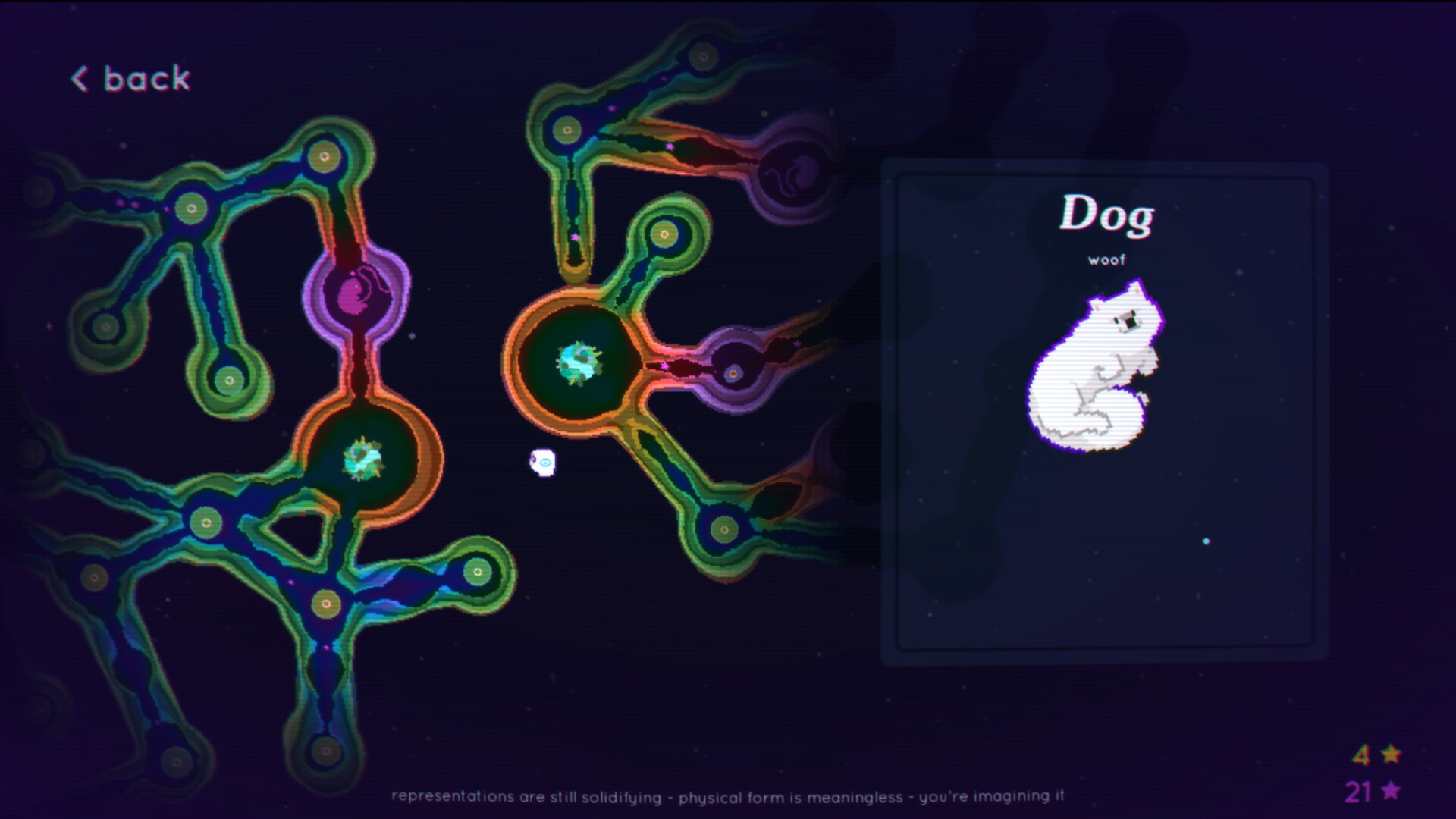
Not every wiki page needs to be about bust math. The Tools hub collects the practical setup guides that keep Dice Have No Eyes comfortable on PC and Steam Deck: how you click, how you pad, how night mode helps tired eyes, and whether your machine clears Steam’s unusually light system requirements. Open Controls for input details, System Requirements for min/rec specs and Deck Playable notes, or Achievements for the 28 Steam trophies and leaderboard grind tips.
Dice Have No Eyes is a single-player Steam title (app 4535880) by Franek and Max Cahill. These pages assume the 1.0 build that shipped November 20, 2026, including controller/Deck polish and mid-run saves that make longer sessions realistic.
What belongs on Tools
- Input primers (mouse, keyboard, controller, Deck quirks)
- Display comfort (night mode, text size expectations)
- Hardware gates (Vista-era minimums through Windows 10 recommended)
- Session QoL that behaves like a “tool” (saves, playlists) when it changes how you schedule runs
What does not belong here: character lore dumps, full tier lists, or patch essays. Those live under Characters, Tier List, and Updates.
Start with controls if you bounce off the table
Early Access messaging was honest: the game played smoothest with mouse, while gamepad and Steam Deck support improved over time. Version 1.0 continues that work with reworked controls and handheld polish. If your busts feel like misclicks instead of greed, read Controls before you reroll your entire build philosophy.
Topics covered there:
- Mouse and keyboard as the precision default
- Controller layouts after 1.0 polish
- Steam Deck Playable caveats (prompt icons, small text)
- Night mode as a comfort tool, not a graphics preset flex
- How mid-run saves change when you should stop grinding tilted inputs
Check specs even though the bar is low
Steam lists friendly numbers:
- Minimum: Windows Vista, i3 2GHz, 1 GB RAM, 512 MB VRAM, tiny storage footprint
- Recommended: Windows 10, i5 3GHz, 2 GB RAM, 1 GB VRAM, about 1 GB storage
Almost any modern machine clears that. Still open System Requirements if you are on ancient hardware, a shared laptop, or a Deck verifying Proton/Playable expectations. Low requirements do not erase Deck text-size complaints.
Suggested setup checklist before a serious run
- Confirm the game is on the 1.0 branch via Steam.
- Set night mode if you play late—tired eyes make greedy mistakes.
- Pick input device intentionally; do not “sort of” use trackpad plus pad.
- If on Deck, check brightness, scaling comfort, and community notes about small UI text.
- Enable mental permission to use mid-run saves on Rift or God run attempts.
- Keep Discord or the Links Hub handy for hotfix days, not for mid-hand advice.
- Warm up on Shallows after any control change.
How Tools pages connect to play guides
- After controls feel good, learn banking on Getting Started.
- After specs are fine, pick a face on the Characters Hub.
- After you can click cleanly, chase synergies on Trinkets and Builds.
- After 1.0 features confuse you, read Version 1.0.
Tools exist so the dream fails because you pushed luck—not because the wrong prompt icon appeared on Deck.
Returning player hardware/input notes
If you last played in Early Access:
- Retest controller bindings; 1.0 calls out reworked controls.
- Retest Deck sessions even if May builds felt wonky.
- Expect achievements and leaderboards to tempt longer sits—use saves.
- Cassette playlists are optional comfort, not performance tools.
- Upgrade rebalances change session length; comfort settings matter more when runs go longer.
Page map
- Controls — mouse, keyboard, controller, night mode, Deck input notes
- System Requirements — minimum, recommended, storage, Deck Playable
- Achievements — 28 Steam achievements, leaderboards, named trophies, mid-run save grinding
Bookmark these if you help friends install the game or plan a trophy night. The greed loop is hard enough without troubleshooting mid-bet.
Frequently Asked Questions
Quick answers to the most common questions.
Which tools page should I open first?
Controls if inputs feel wrong; System Requirements if you are checking a PC or Steam Deck before purchase or install.
Does Dice Have No Eyes need a powerful GPU?
No. Steam’s minimum lists 512 MB VRAM and the recommended target is only 1 GB VRAM. It is a lightweight 2D indie title.
Is mouse still better than controller?
Mouse remains the precision default for many players, but 1.0 improves controller and Deck support. Try both after reading the Controls page.
Where are gameplay guides?
Use Guides, Tier List, Characters, and Updates hubs. Tools stays focused on setup, hardware comfort, and achievement grinding.
Where is the achievements list?
Open Achievements for the 28 Steam trophies, named unlocks such as Feesh! and Wake Up, leaderboard habits, and mid-run save tips.